happening to me aswell… 8b9ddc70be1c42debc2dd09b398bc918
same issue here ddb27bf3190b48a695dd70a808f6facc
c1fa1fb6fc9f4257a7528c3d8e3e6e8b
Same problem with my toons.
Same problem here 9ee287e965634e1a83229e2a10502db5
I’ll track this issue here and point the other threads created to this post. Hope to have a fix within the next hour or so.
Blizzard seems to have changed something with how they are using the bonus IDs that indicate item level for some of these older items, but I’m having difficulty determining what they did…
For people experiencing this issue, could you post (or re-post) your snapshot ID, and then also give me an example of an item or two with the wrong item level and what item level it is actually showing in game.
I know a lot of people are seeing items that are ilvl80 in-game as ilvl300 on the site. It would help to get a few examples of items of other item levels as well.
I posted an update that resolves at least a few of these cases… it is still unclear to me exactly how Blizzard is deciding when or when not to squish the item level of certain items.
You will need to re-import your character from the in-game addon for the change to take effect.
Please let me know if you see any other items showing as the incorrect item level – post a snapshot and let us know the actual item level showing in-game.
Condolences for your loss, @yellowfive… 
Thank you for your timely reply… glad that amassing Snapshots has been a fruitful exercise for those experiencing issues.
A post was split to a new topic: Best in Bags not choosing the expected weapon
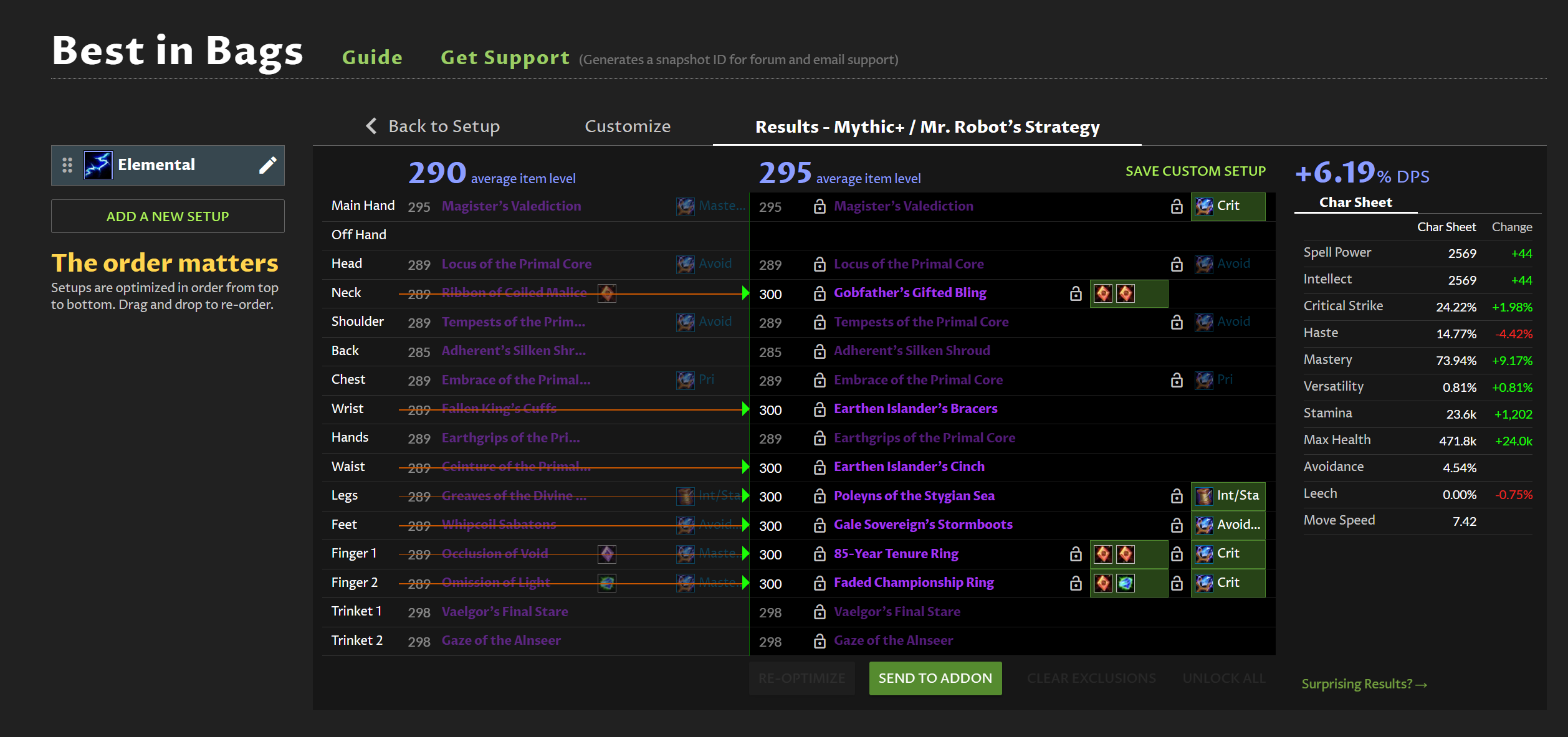
Could you let me know what item level some of these specific items are showing in-game? With that I can try to reverse engineer what they are doing.
You mean the actual item level of the item as in my bank/inventory or?
Yes… as you see it in game
I posted an update with another guess as to what Blizzard changed with some of these older items – you will need to re-import from the addon for the change to take effect.
If anyone encounters any other items showing as the wrong item level (either as too high or too low), please post a snapshot AND let me know which specific item it is, and what item level it is showing in-game as compared to on the website. That last part is key… if I don’t know what item level the item is supposed to be, it is very hard to reverse engineer.
1 Like