If you are new to AMR, welcome to the community!
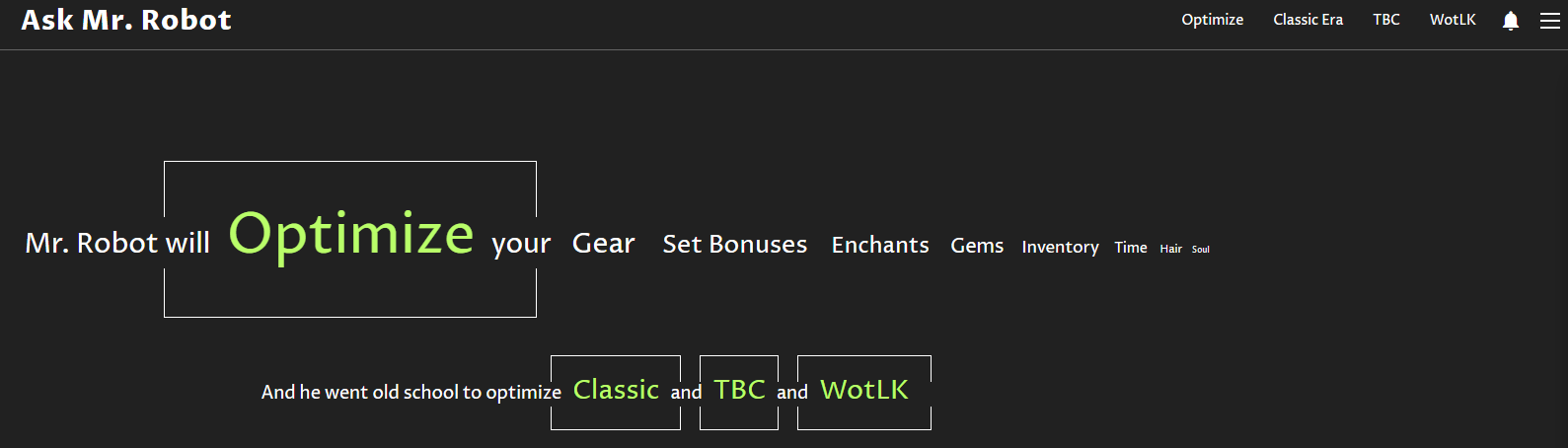
Anything in GREEN, in the screenshot you provided, is a (primary) link to the Optimiser section of the site that corresponds to the version of the game you are playing.
In the top right corner of the screenshot is what is affectionately referred to as a ‘burger’; that is the portal to download/install the addon (amongst other options not shown). You can also download/install the addon from other popular addon portals, like Curseforge.
That said, I can’t tell what you have already done to get this far.
If you already have the addon installed, the first (VERY) time you open the addon on any character you will need to populate it… open the characters’ talent panel (for all the specialisations you want to be considered, if you play more than one) & all banks that are available to that character for a few seconds each.
When you then open the Gear section of the addon, you’ll get a “data string” generated; Ctrl+C this data, then open the website. If you are met with the screen shot you posted, click ‘Optimise’ (for Retail WoW… or the name of the version you play, if not).
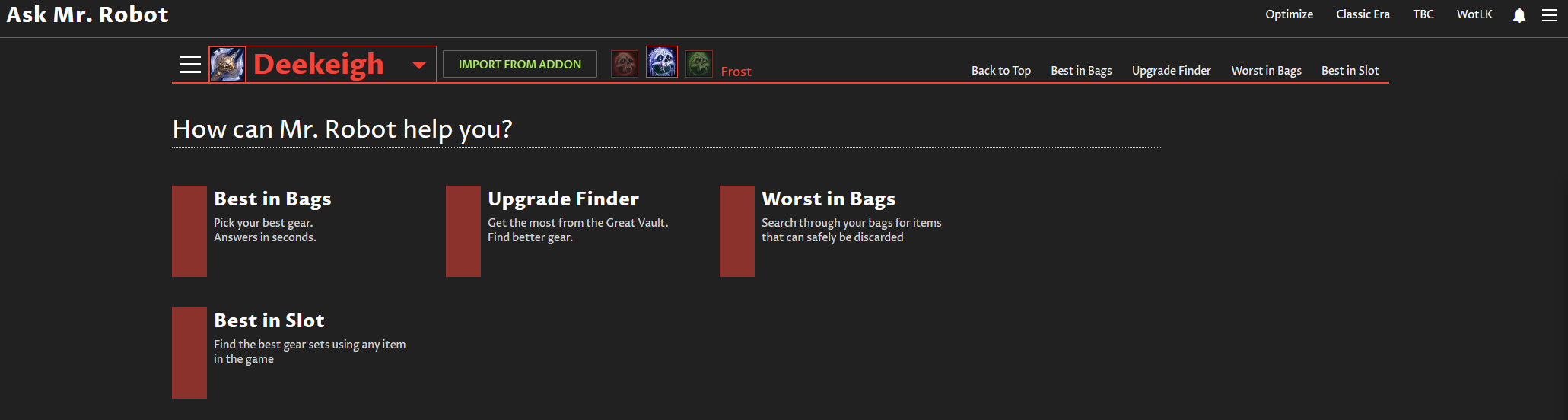
If see something similar to this,
… click on the down arrow on the left side of the screen (where it says “Deekeigh”, my Death Knight) & you’ll get the option to Ctrl+V your data - from the addon - into the Optimiser to be processed.
From there the four highlighted sections will allow the site to process the data to be exported back to the add-on. This is done once “Best in Bags” (for example) has been performed.
Under the results will be an “Export…” option that you can Ctrl+C, switch back to the game, click the Gear tab, of the addon, then Import, then Ctrl+V. On a FIRST Import, you may just see a blank space… if so, the is a drop-down above the main section of the window; click it & chose the specialisation you wish to be the primary one you use; a set of gear will be displayed with the option above it for that gear to be equipped (as long as it is all in your bags & bound to that character).
I admit, the above is quite a large info. dump & I’ve tried to be as accurate as possible.
I apologise if you already know how any of it already works, too. There are a lot more intricacies to using the site & addon, but that may be a post that ‘future us’ can worry about.
Hope that helps & that you enjoy using the AMR tools.