- Gems are unavailable for the selected phase
- Gem quality filter isn’t respected
- Gem exclusion filter isn’t respected
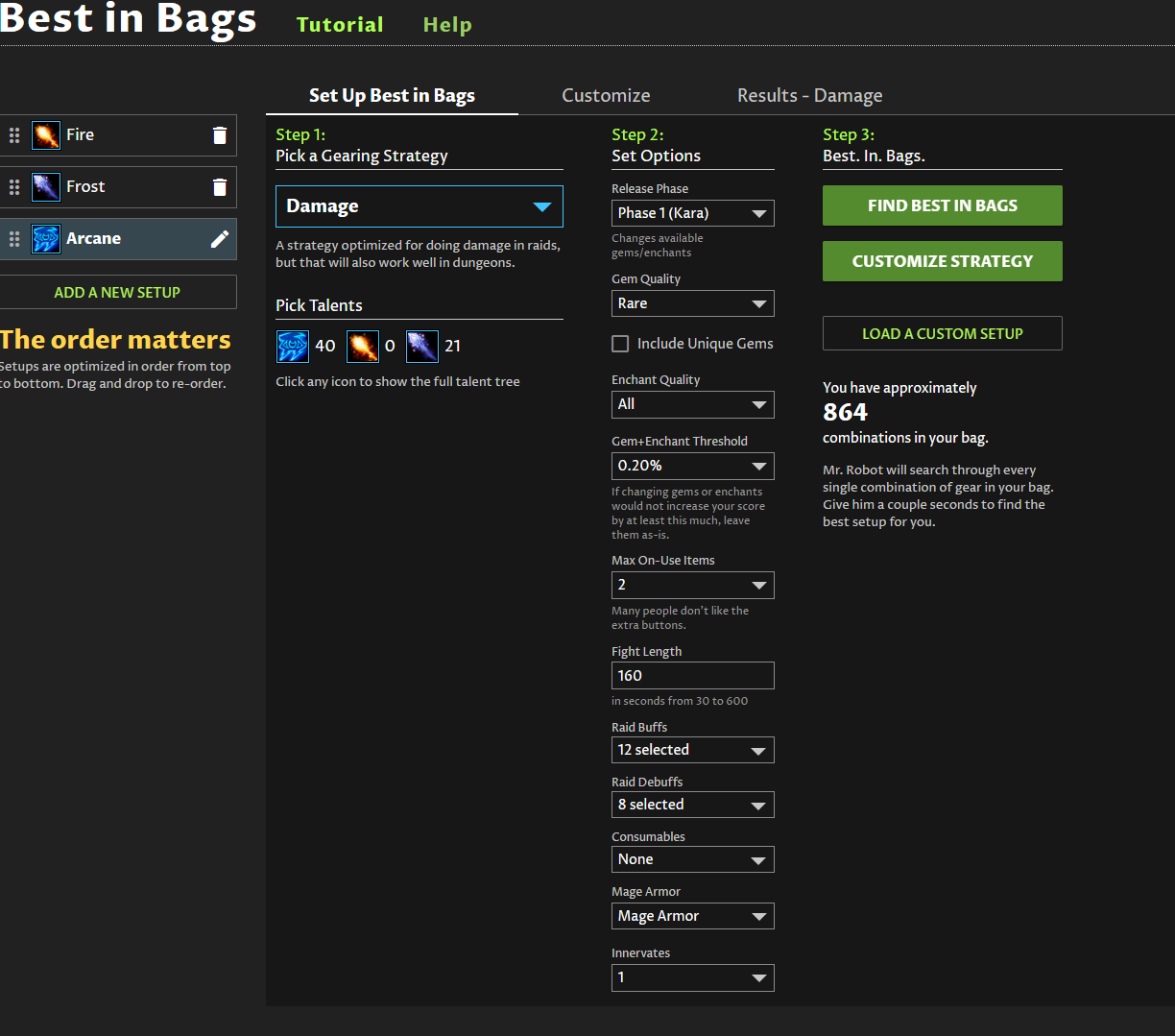
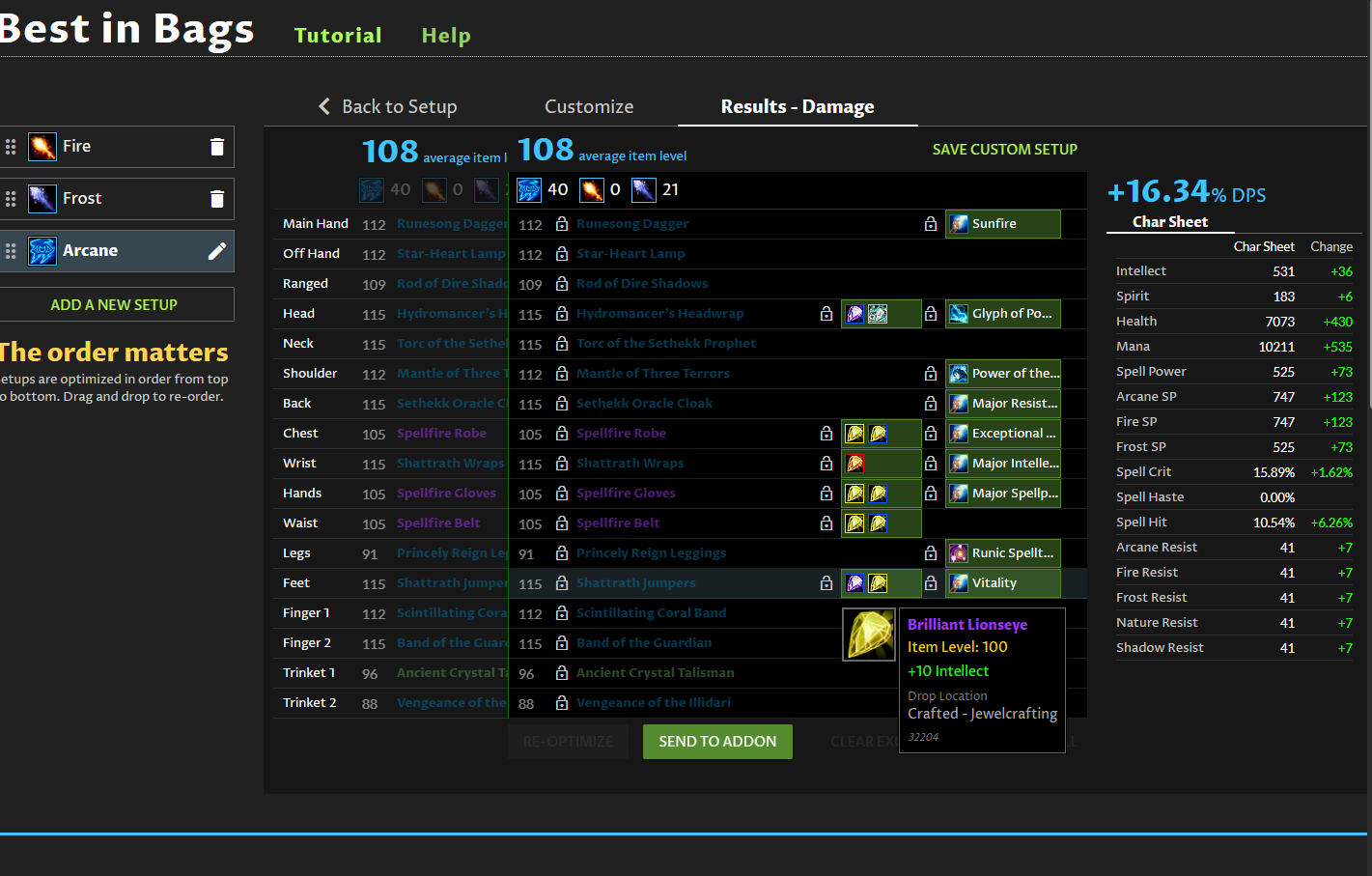
If you post a snapshot of your specific setup I can try it out – press the green “help” link next to the big Best in Bags section header, then copy the generated 32-digit ID here and I can try your specific case to see what’s up.
Snapshot ID: 2ed49fb6d852411fb1d0bb2e62d1ef41
Thanks for the snapshot – the issue is that your higher priority specs (Fire and Frost) are allowing phase 5 and epic gems, thus higher quality gems are getting locked in. You would need to either make Arcane your highest priority setup (drag and drop in the list on the left), or lower the quality of gems on any higher priority setups as well.
I did not see any gem exclusions specified on any of your specs… but keep in mind that even if you exclude a gem, if it is locked in from a higher priority spec it can’t be changed.
Best in Bags is designed to allow you to create and maintain multiple sets of gear simultaneously. The idea is that you prioritize your most-used set of gear first, and then make other sets that work around that. It can be time consuming and costly to continuously swap gems and enchants if you like to play multiple specs, so Best in Bags has you covered for this difficult optimization case.
1 Like