TBC Optimizer not showing any items when clicking on a specific item for BiS

Snapshot: 3fab7b8224164733a8175109eb011304

When I go to ‘best in slot’ and optimize and I go to click an a specific item to see alternate options, I just see this:
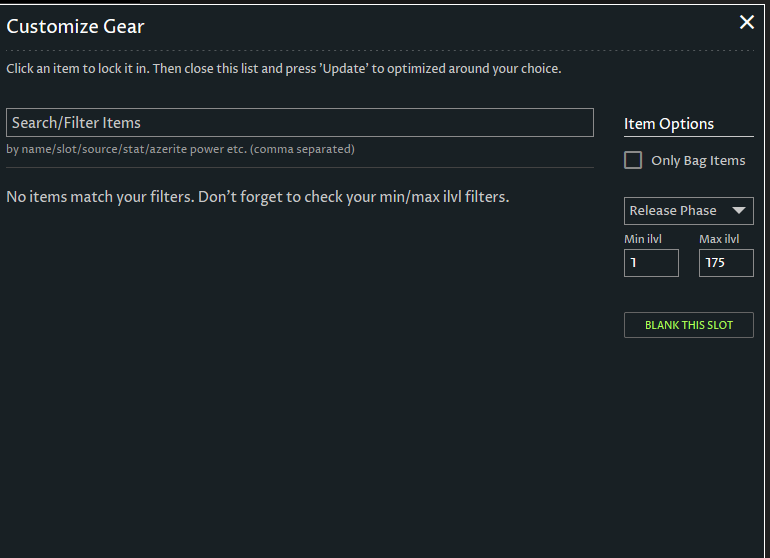
and the “Release Phase” has no options except phase 5. Would be nice to see the phase 1 list here so I can see alternative to the best in slot piece :slight_smile:

It’s on my list to fix up that release phase filter on best in slot to have all the phases.

I’ll try to get to it with the site update this coming Tuesday for another big Midnight pre-patch (12.0.1 is going live with a ton of changes that we’re working on).